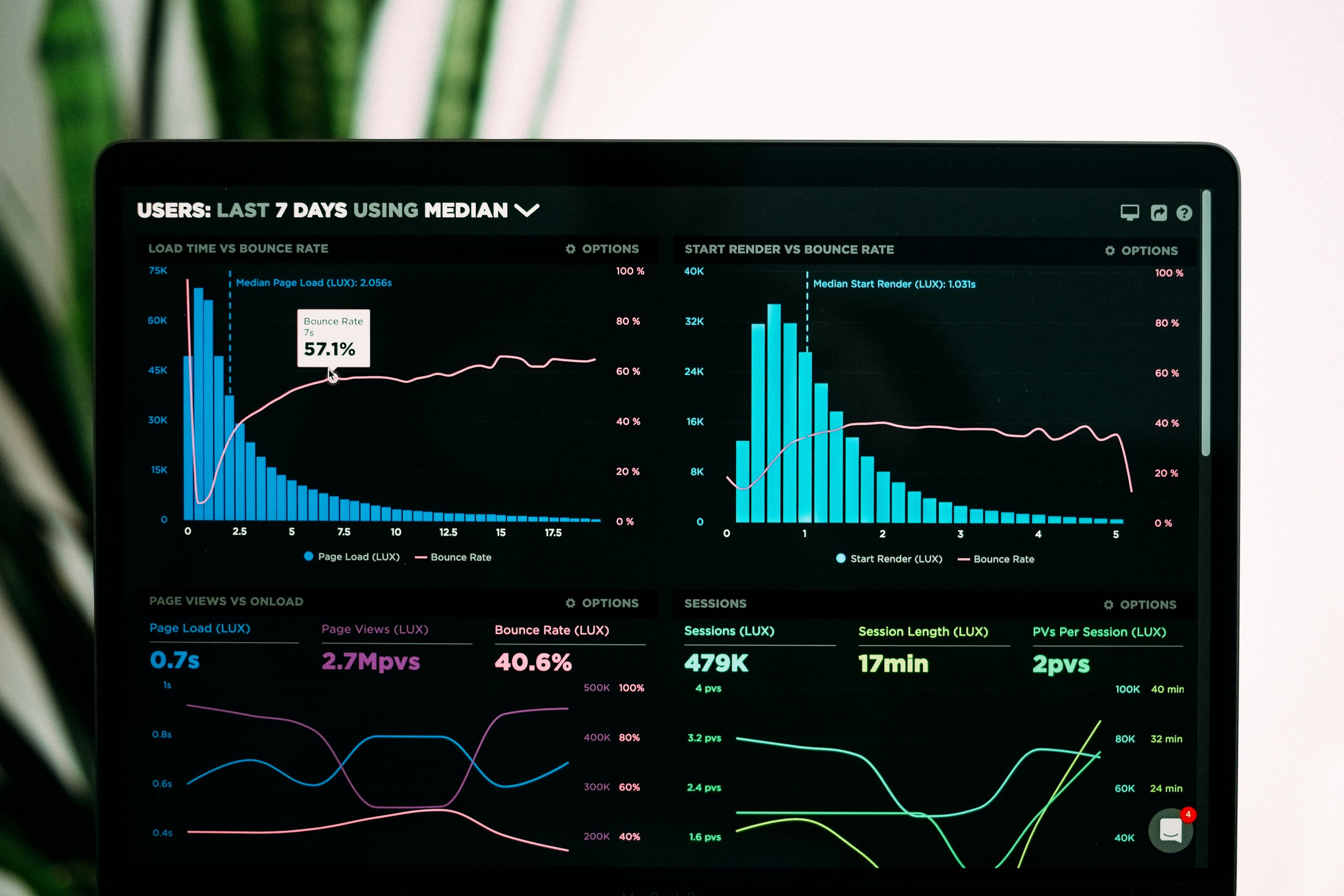
Why repeat performance checks?
Performance affects how easily people can load content and complete tasks. Measure its effect on your own audience rather than applying a general conversion percentage. Google uses Core Web Vitals in its ranking systems, but good values do not guarantee rankings or traffic.
Which metrics should you monitor?
The current Core Web Vitals are:
- LCP — Largest Contentful Paint: rendering of the largest eligible visible content element; good at 2.5 seconds or less.
- INP — Interaction to Next Paint: responsiveness to clicks, taps and keyboard input through the next paint; good at 200 ms or less.
- CLS — Cumulative Layout Shift: unexpected layout shifts; good at 0.1 or less, with no unit.
INP replaced FID in March 2024. For real-user assessment, use the 75th percentile, separating mobile and desktop. A lab run describes selected conditions and actions; it does not establish the experience of every visitor. Missing field data is not a passing result.
Why can performance change?
New content, features, third-party scripts, code changes and server load can change behavior. Browser versions and measurement rules can also change, so record them when comparing runs. Repeated checks help detect regressions and prioritize investigation; they do not guarantee a problem will be found before users encounter it.
Choose a schedule based on risk
As illustrative starting points, a rarely changed informational site might be reviewed every three months, a blog monthly and an online shop every two weeks. These are not universal standards. Important releases and reported problems need additional checks regardless of the calendar. Frequently updated services may need scheduled synthetic tests and real-user monitoring.
Periodic checks run at intervals. Record the interval, important pages, device profiles and regions, then adjust them to business impact and available resources. “Continuous monitoring” does not mean every user action is tested or every failure detected immediately.
A repeatable audit workflow
- Select representative pages and tasks: home, product or service pages, forms and important interactions. Record the final URL and test conditions.
- Gather lab measurements and available field data. In PageSpeed Insights, distinguish the lab results from the real-user section and check whether its scope is a URL or an origin.
- Investigate LCP, INP or CLS according to the actual problem. Loading, interaction delay and layout movement can have different causes.
- Test a focused correction: image dimensions and formats, expensive scripts or styles, cache behavior or content delivery. Preserve required functions and suitable access rules for private responses. Do not lazy-load the likely LCP image.
- Repeat the same test after publication under comparable conditions. Verify the task’s correctness as well as timing and record the release date.
What to check in automated monitoring
Confirm the actual schedule, alert conditions, delivery channel and history-retention period in the tool you choose. Separate performance regressions, failed runs and missing measurements. Test the notification path and assign someone to investigate actionable alerts. A scheduled lab test and real-user monitoring answer different questions.
Google Analytics can provide configured usage or conversion data, while Search Console helps examine search performance and Core Web Vitals reporting. They are separate data sources; this article does not establish an automatic connection between them and a speed scanner. Compare equivalent periods and record concurrent site changes.
Keep a useful record
Store the baseline, conditions, findings, correction and follow-up result. Separate measured improvements from assumptions. Set the next review according to risk and release frequency.
Start with a one-off speed audit, then configure a suitable recurring process in your chosen monitoring tool. For definitions and limits, consult the Web Vitals guide and Google’s page experience guidance.